Rent, building fees, bills and subscriptions: a step-by-step method for keeping recurring payments in one list, setting budget limits and importing your bank statement.
Not knowing where your money went by the end of the month usually isn't down to individual small purchases but to recurring payments nobody is keeping track of. In this guide we explain how to set up a monthly budget with a simple routine and how to make sure you never miss a recurring payment.
1. Start by listing your recurring payments
Rent, building fees (aidat), electricity, water, natural gas, internet, phone, credit card due dates and digital subscriptions… Write down the amount and payment day for each one. This list shows on which days of the month your cash needs pile up.
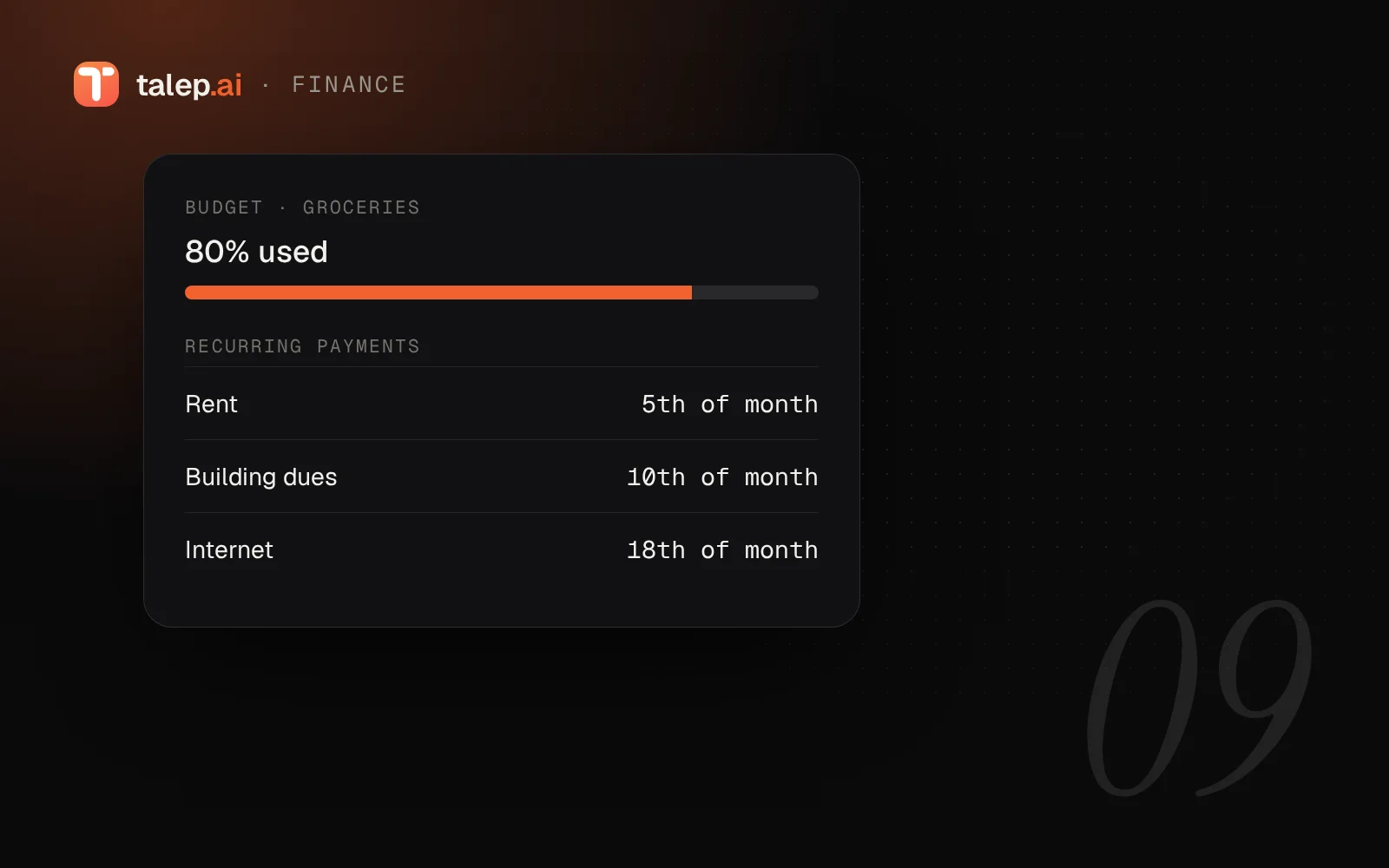
On talep.ai you can save these payments as recurring reminders or recurring transactions. Simply type "remind me about the rent every month on the 5th" to the assistant. The "Recurring payments" screen shows the monthly total and upcoming and overdue payments in a single list; when you've paid, you mark it as "paid".
2. Separate your income from your fixed costs
Subtract your fixed costs from your monthly net income; what's left is the money you can use for variable spending and savings. A common approach many people use as a starting point is to split income roughly into three parts: needs, wants and savings. The proportions differ for everyone; what matters is setting your own and keeping track of them.
3. Set budget limits by category
Set a monthly cap for variable items such as groceries, transport and entertainment. Getting an alert as you approach the limit means no surprises at the end of the month. Budgets on talep.ai send an in-app alert when your spending reaches 80% and 100% of the budget.
4. Import spending from your statement instead of typing it in
Entering every purchase by hand is a habit most people eventually drop. Instead, you can download your account or card statement as a CSV file from your bank's online banking and import it. Here's how importing works on talep.ai:
- Upload the file (up to 1 MB and 2,000 rows); the character encoding and delimiter are detected automatically.
- Map the date, description and amount columns and preview the result.
- Spending is categorized automatically based on your past categories and known keywords; you change whatever you like.
- Rows that were imported before or appear twice in the file are flagged as duplicates.
The file itself is not stored on the server; only the transactions you confirm are saved.
5. A 15-minute review once a month
At the end of the month, do a quick review: in which category did you go over the limit, which subscription is no longer needed, and which annual payment (insurance, tax, school) is coming up next month? The reports and analytics screen answers these questions with charts.
6. Keep debts and assets in the same place
Loan instalments and card debt are part of your budget. Keeping your debts and assets in the same dashboard lets you see your overall financial position at a glance.
Conclusion
A good budget doesn't need complicated spreadsheets, just a regular habit: list your recurring payments, set limits for categories, import your statement and review once a month. talep.ai's personal finance tools are free for individual users.